How do I join Coacha?
The club uses Coacha to manage its memberships and run club activities.
When your swimmer comes to the club the club secretary or membership secretary will send out an invitation for you to sign up. This will be the process for new members signing up to be a member of Hetton ASC and creates your app login account.
Once your signup has been accepted you will receive an email back from Coacha with details on options of how to log into the app and where to get it from. Those details are also below.
You can login here: https://my.coacha.app/ using the username and password you created when you signed up.
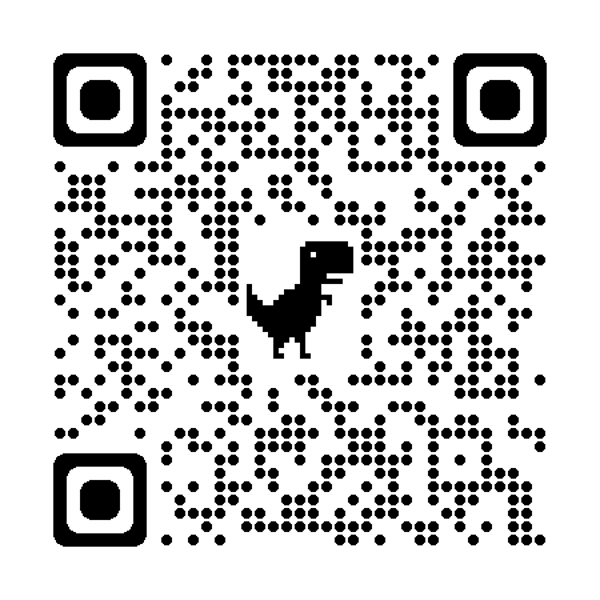
Also, you can download the FREE Coacha App by scanning this QR code:
To login to the Apps, use the email address you signed up to Coacha with, and the password you set / were issued with.
Coacha will allow you to keep your data with the club upto date as you will have the ability to update your information if anything changes (I.e. address, contact details, medical information etc), receive messages from the club via emails and on the app noticeboard, receive upcoming event notifications and view training session schedules.
If you have any problem or questions, please send an email to secretary.hettonasc@outlook.com
